


How We Set Up a Private Minecraft Server for Friends
Learn how to set up a private Minecraft server for friends, configure multiplayer settings, and enjoy a secure shared gaming experience.

We thought setting up our own Minecraft server would take maybe twenty minutes. Pick a host, make a world, send everyone the address. Done. Well, not quite. We had five people wanting to play, two of them had never joined a private server before, and nobody could agree on whether we needed mods. It took some messing around, but we got there. Here’s what we learned along the way.
Start With the People Who’ll Actually Play
There were five of us in the group chat. Sounds simple enough. But one friend only played on weekends, another was usually busy, and the rest of us had completely different plans for the world.
One wanted a huge farm. Another wanted to explore caves all day. I just wanted a house that didn’t look terrible.
So we didn’t need some massive server right away.
For a small vanilla world, a basic hosting plan can be enough. Things get a little harder when people start exploring in different directions or building farms with loads of moving parts.
Minecraft has a setting called simulation distance. It controls how far certain things keep working around players. Lowering it can help when the server struggles.
And don’t just buy the plan with the biggest RAM number. Check what you’re actually going to run first.
Finding a Host Was More Annoying Than Expected
There are so many Minecraft hosting websites. Seriously, after looking at ten of them, they all start sounding the same.
Fast servers. No lag. Easy setup. Cheap prices.
But we wanted to know what would happen when something broke.
We ended up checking a few basic things:
- Could we upload a world we’d already started?
- Was there a simple backup button?
- Could we install different Minecraft versions?
- Would our mods work?
- Could someone restart the server without knowing much about computers?
That last one was pretty important. Not everyone in our group wanted to learn how server panels worked.
Picking a Minecraft host can get confusing pretty fast. One company promises more RAM, another talks about better performance, and the prices are all over the place. It also matters where your friends actually play. Not every host makes it easy for Bedrock players to join, so anyone on Xbox or Switch should check for console-friendly minecraft server hosting specifically.
ATM10 was another thing we looked into. It’s a big modpack, nothing like running a plain Minecraft world. You need to think about memory, the processor, and whether the host can handle everything going on.
We decided not to rush into that.
Then We Started Messing With Mods
This was where things got a little messy.
Someone wanted new animals. Someone else found a mod that added more caves. Then there were extra tools, machines, and a bunch of things nobody really understood yet.
We downloaded a few mods and tried starting the server.
Didn’t work.
One friend had the wrong version. Another was missing a required file. And we spent ages figuring out why the game kept showing an error.
Eventually, we got everyone using the same modpack version. That fixed most of the trouble.
One thing I’d definitely do differently is make backups before changing anything.
Say you’ve spent three evenings building a village. Then you install a mod, restart the server, and something goes wrong. Without an older save, fixing the world can become a real headache.
Big modpacks also need more resources. So check their requirements before downloading everything you find.
Keeping the Server Alive
Getting everyone connected was only half the job.
We still had to make sure the world stayed safe and the server didn’t start lagging every evening.
Backups were the first thing we sorted out. We wanted automatic copies, plus another save stored separately.
Minecraft worlds can get damaged. Someone might delete the wrong files, or a mod update could cause trouble. Having an older copy makes those problems much easier to deal with.
We also turned on the whitelist. There’s a way to stop strangers joining your world, by the way. You just set up a list of allowed players. If that sounds confusing, the Minecraft Wiki explains it.
Then there was lag.
Sometimes blocks took ages to break. Other times, mobs would freeze for a moment and suddenly move again.
We tried lowering the view distance. That helped a little. We also checked whether any farms were causing problems.
The trick was changing one thing at a time. Otherwise, you never really know what fixed it.
Would We Do It Again?
Yeah, probably. Even with all the annoying little problems.
The best part was joining after a few days and seeing what everyone had been doing.
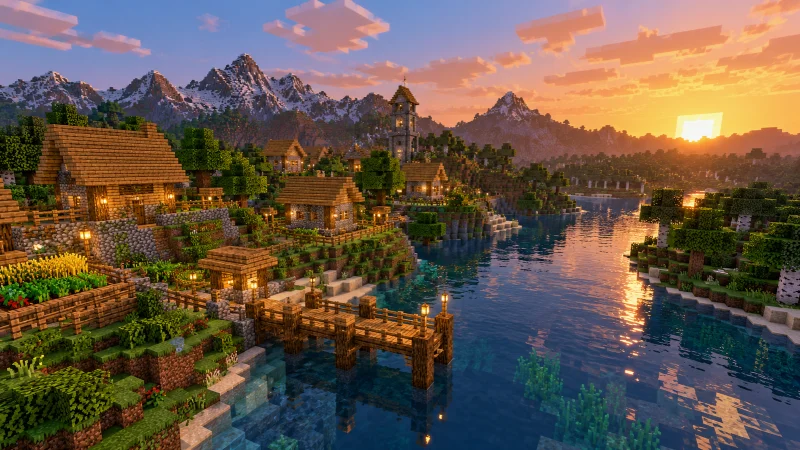
Someone had built a bridge across the river. Another friend had made an underground room full of chests. And our little farm had somehow turned into a massive field.
That’s why we wanted a private server in the first place.
Don’t go crazy setting everything up on day one. Get your friends in, make sure the world works, and that’s enough for now. You can always change things later. Nobody cares how expensive the hosting is if they can’t even join the game.

