

7 Popular Web Development Platforms Compared
Compare WordPress, Shopify, Wix, Squarespace, Webflow, Drupal and Joomla to find the best web development platform for your budget, skills and website goals.

Choosing the right web development platform can make or break your online presence. Whether you’re launching a personal blog, an e-commerce store or a corporate website, the platform you select will determine how much time, money and technical expertise you’ll need to invest.
With dozens of options available, finding the best web development platform for your specific needs can feel overwhelming. This comparison of top web development software will help you understand the strengths and limitations of seven leading solutions, so you can make an informed decision that aligns with your goals and budget.
What Makes a Great Web Development Platform?
Before diving into specific platforms, it’s worth understanding what “high quality” really means here. A top CMS for website development should offer intuitive content management, solid security features, mobile responsiveness and room to scale as your business grows. You’ll also want to consider factors like pricing, available templates, plugin ecosystems and the level of technical knowledge required.
Let’s start comparing the most popular CMS/web development platforms:
1. WordPress: The Flexible Powerhouse
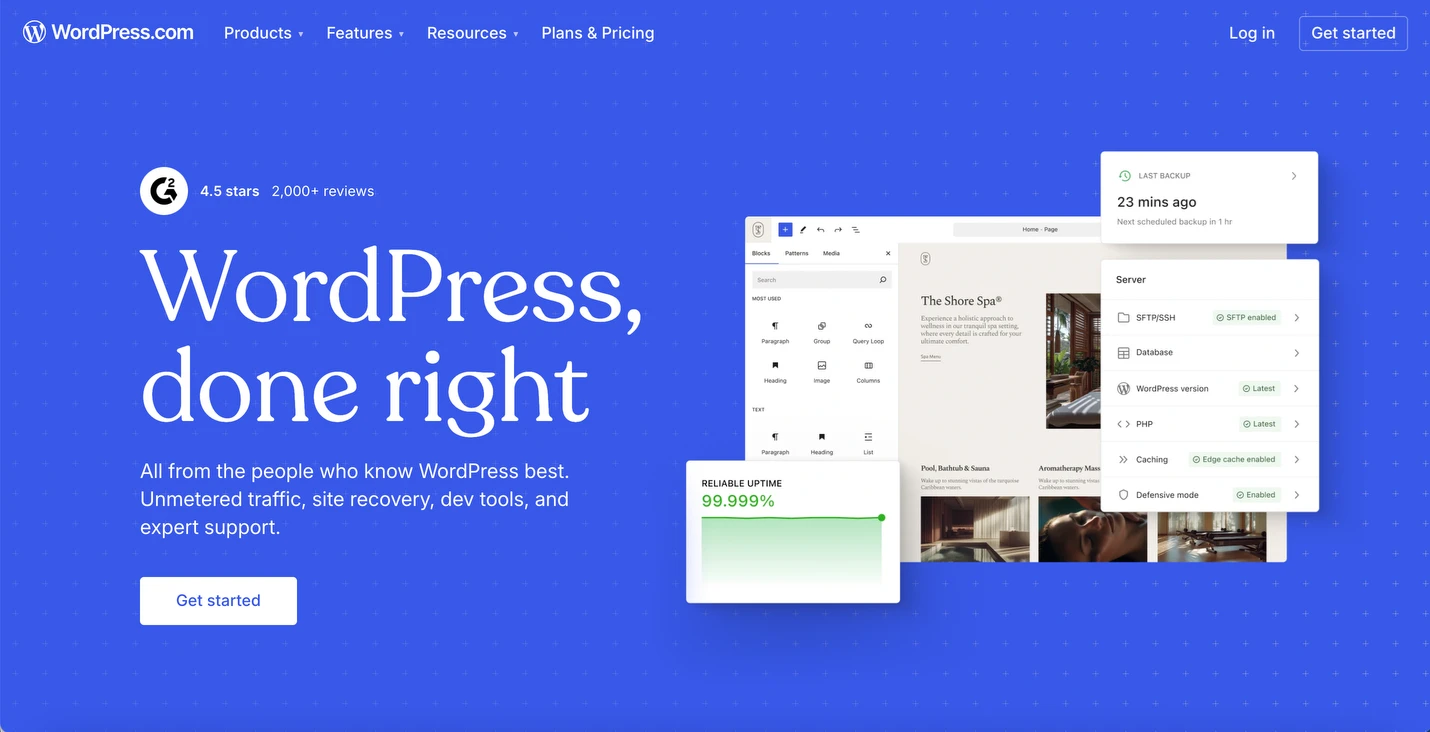
WordPress powers over 43% of all websites on the internet, making it by far the most popular web development platform today. This open-source CMS offers unmatched flexibility through its vast library of themes and plugins – over 60,000 plugins are available in the official repository alone.
The platform excels for content-heavy sites, blogs and small to medium-sized business websites. With WordPress, you can start simple and add functionality as needed. However, this flexibility comes with a learning curve. You’ll need to handle your own hosting, plugin updates, quality assurance, bug repairs, security monitoring and backups – unless you hire an agency that handles everything for you.
Pricing for a WordPress website is all over the place – it all depends on your choice of host, theme, plugins, etc. It can be very cheap or very expensive.
Best for: Bloggers, small to medium-sized businesses and anyone wanting maximum customization without writing code from scratch.
2. Shopify: E-commerce Made Simple
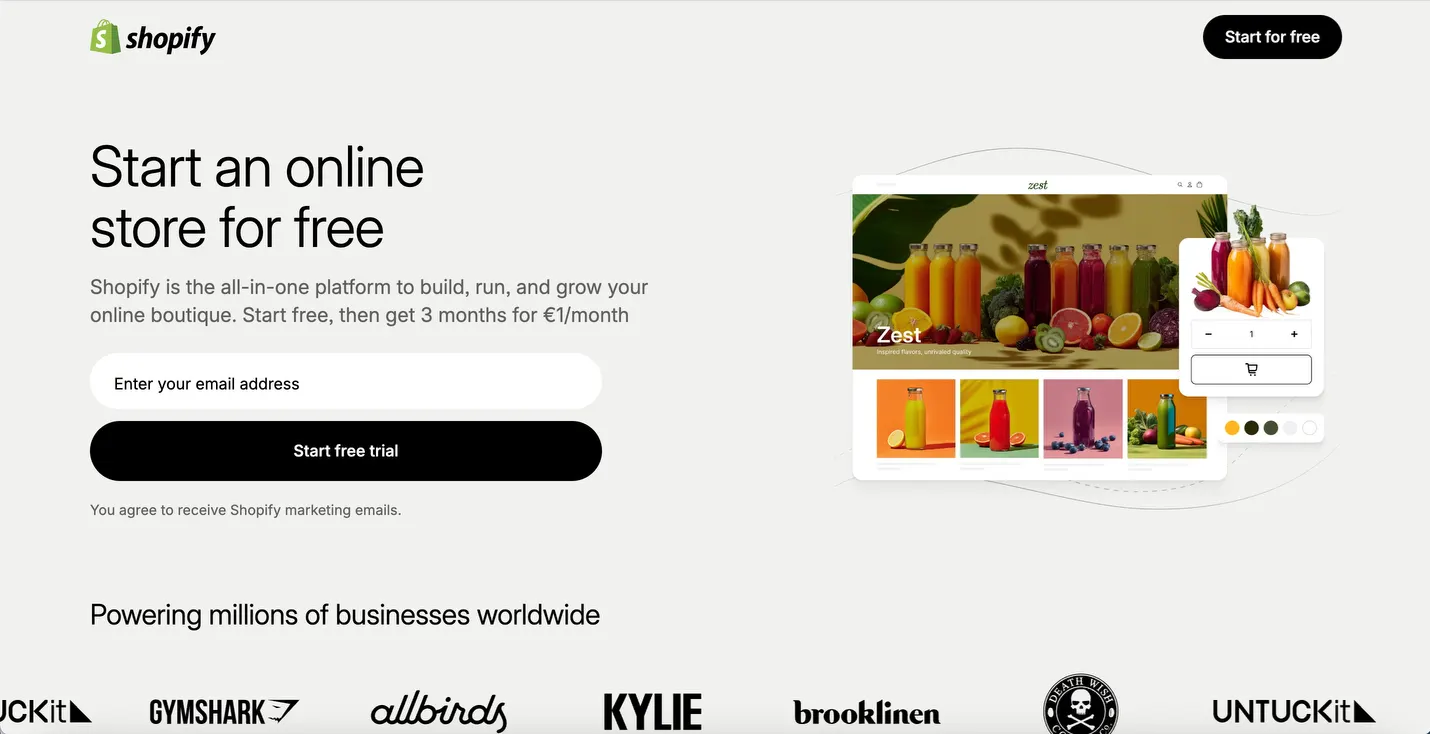
When it comes to building online stores, Shopify stands out as one of the best web development platforms specifically designed for e-commerce. This hosted solution handles all the technical heavy lifting – from payment processing to inventory management – allowing you to focus on selling products.
Shopify’s strength lies in its user-friendly interface and comprehensive e-commerce features right out of the box. You get abandoned cart recovery, product variants, discount codes and seamless integration with shipping providers.
Shopify pricing starts at $39/month.
Best for: Anyone serious about selling products online who wants a turnkey solution.
3. Wix: Beginner-Friendly Website Builder
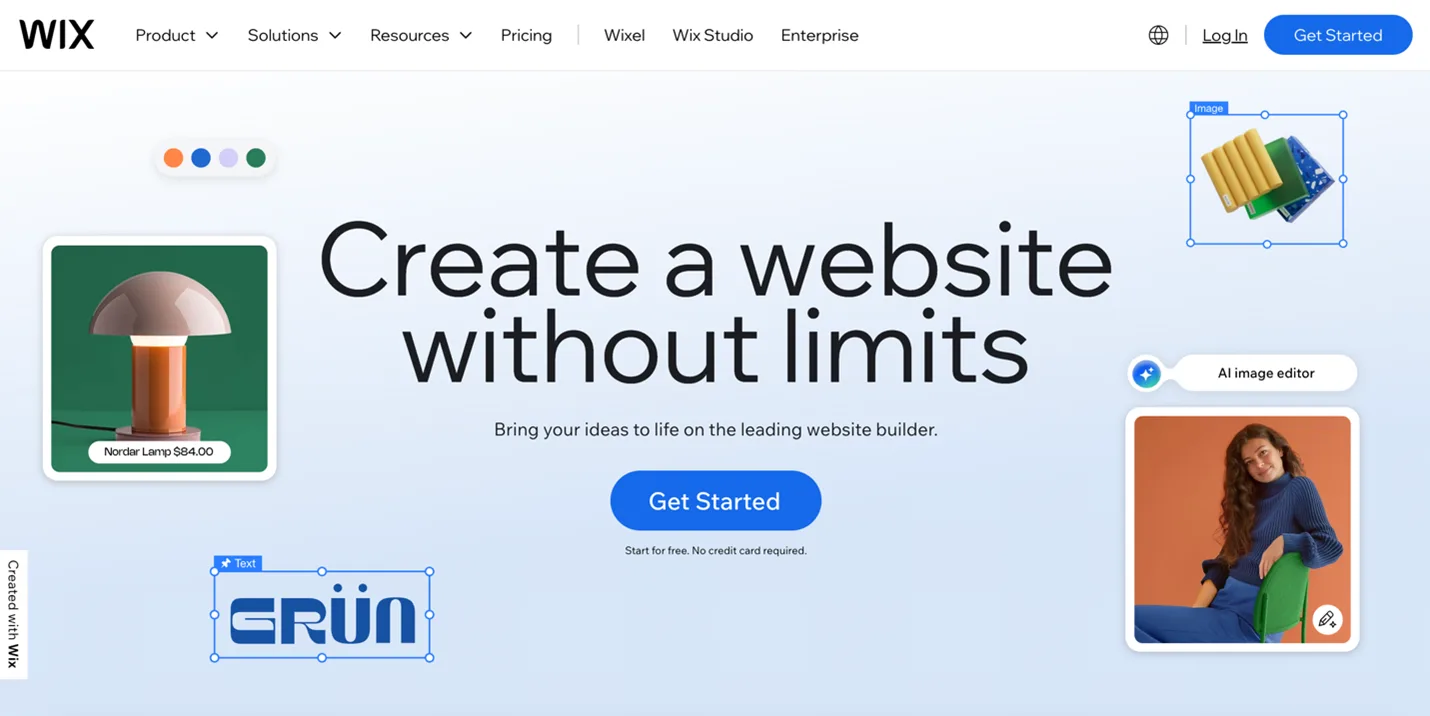
Wix has positioned itself as one of the most accessible web development platforms for complete beginners. Its drag-and-drop editor lets you design websites visually without touching a line of code. The platform offers over 2,000 designer-made templates across various industries and niches.
While Wix excels at simplicity, it sacrifices some flexibility in the process. Websites built on Wix can sometimes feel limited compared to more robust CMS platforms when you need advanced functionality.
Wix pricing starts at $24/month.
Best for: Small businesses, portfolios and individuals who prioritize ease of use over advanced features.
4. Squarespace: Design-Forward Elegance
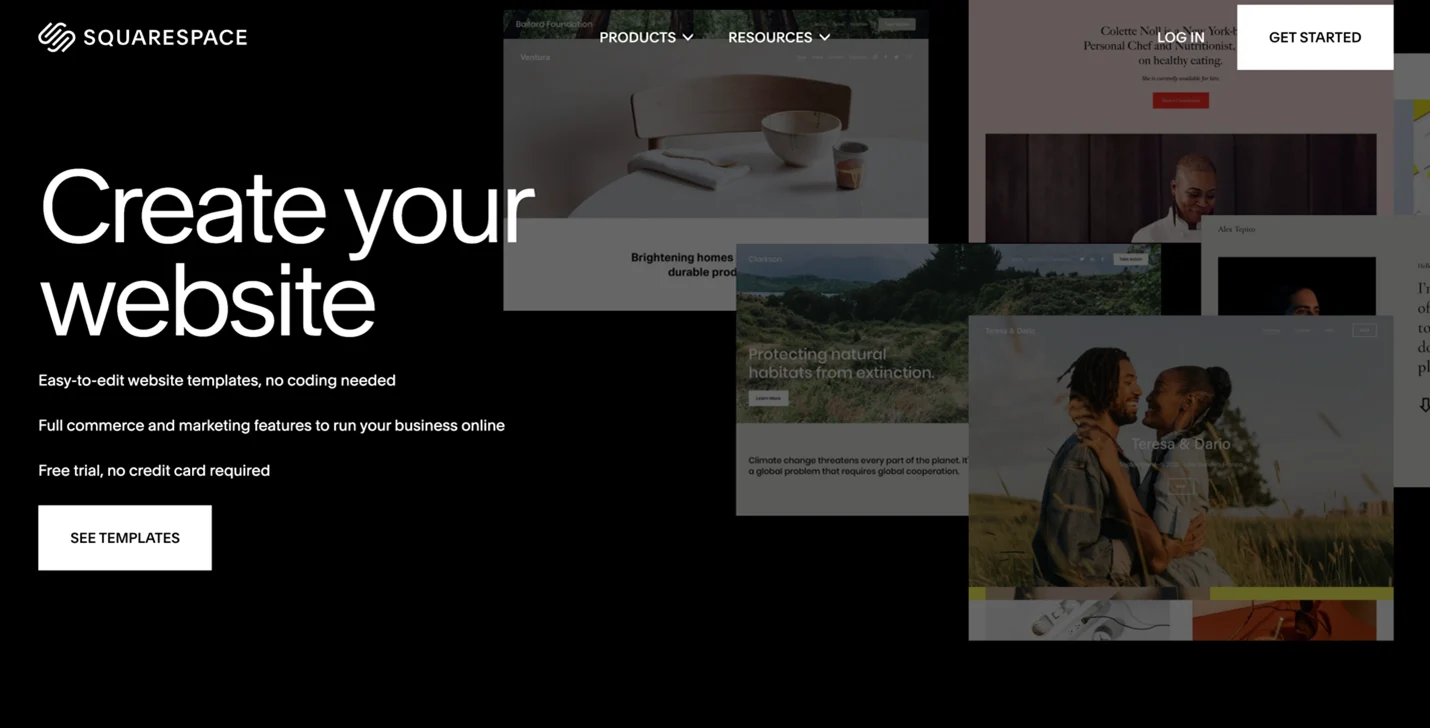
If aesthetics matter to you, Squarespace deserves a spot on any comparison of top web development software. This platform is beloved by creatives, photographers and design-conscious businesses for its stunning, professionally designed templates. Every template is fully responsive and maintains visual appeal across all devices.
Squarespace strikes a nice balance between simplicity and functionality. It’s more powerful than Wix but less complex than WordPress. The integrated blogging tools, e-commerce capabilities and analytics make it a solid all-in-one solution. However, the customization options are more limited than open-source alternatives.
Squarespace pricing starts at $25/month.
Best for: Creatives, restaurants, photographers and anyone who wants a beautiful website without extensive customization.
5. Webflow: The Designer’s Dream
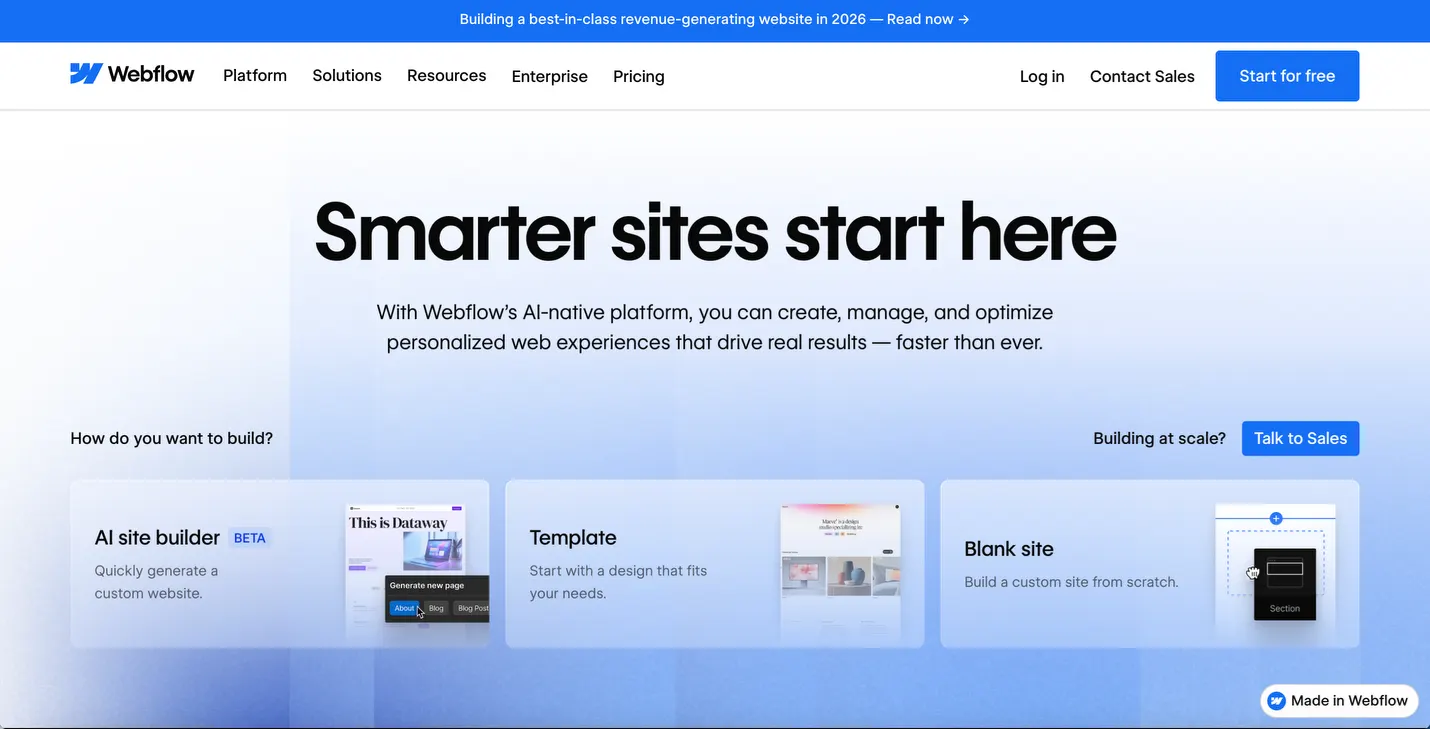
Webflow represents a newer breed of web development platforms that bridges the gap between visual design tools and professional web development. It gives designers pixel-perfect control while generating clean, semantic code in the background. You can create complex animations, interactions and responsive layouts without writing CSS or JavaScript.
This CMS platform appeals to agencies and professional designers who want more control than traditional website builders offer but don’t want to code everything manually.
The Webflow learning curve is steeper than most platforms.
Webflow pricing starts at $18/month but most businesses need the $29/month or $49/month plan.
Best for: Web designers, agencies and developers who want visual design tools with professional-grade output.
6. Drupal: Enterprise-Level Power
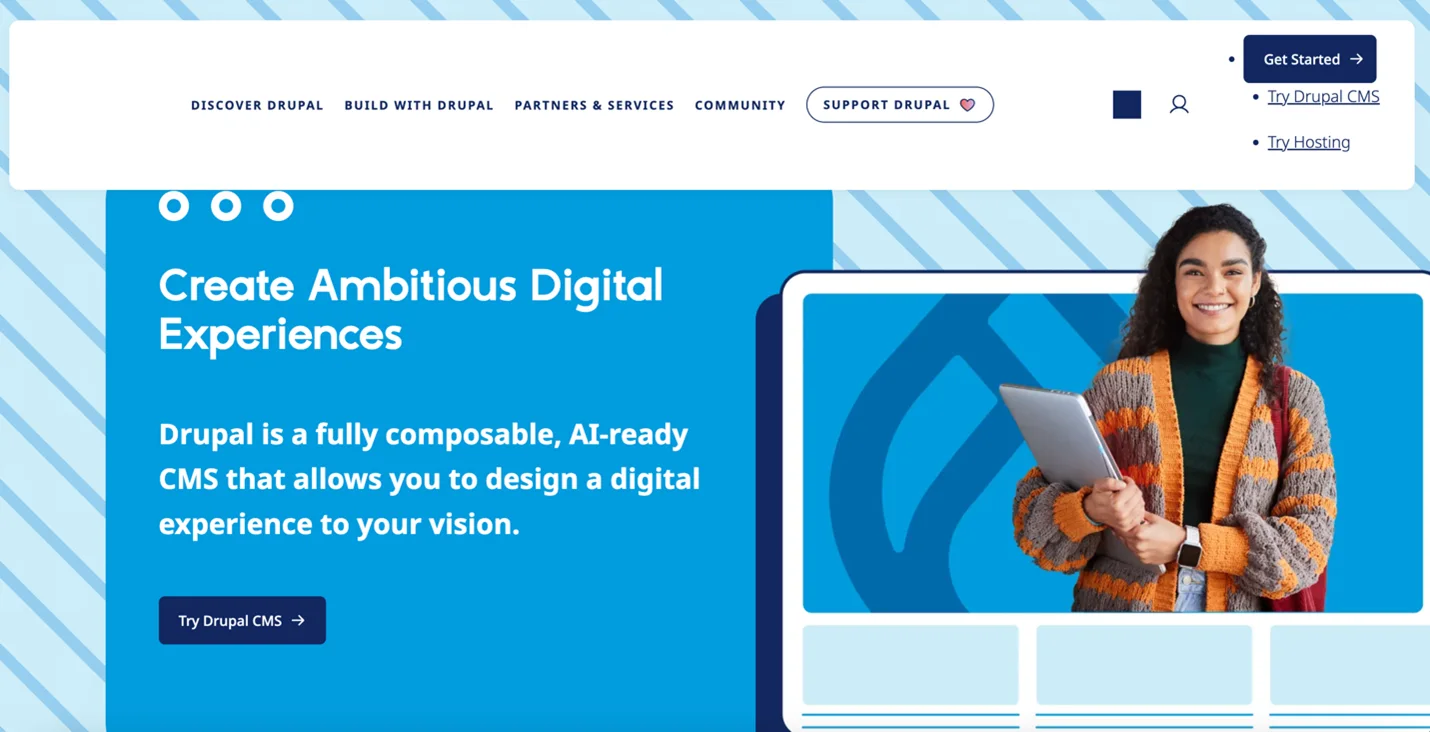
Drupal is one of the most powerful open-source web development platforms available, trusted by governments, universities and large enterprises worldwide. It excels at handling complex data structures, user permissions and multilingual content. Sites like NASA.gov and The Economist run on Drupal.
The platform’s robust architecture makes it ideal for large-scale, complex websites that require advanced functionality and tight security. However, Drupal has the steepest learning curve on this list. You’ll likely need deep expertise to build and maintain a Drupal site effectively. It’s overkill for simple websites but becomes invaluable when you need enterprise-grade capabilities.
Like WordPress, as an open-source platform, Drupal pricing varies widely.
Best for: Large organizations, government sites and complex web applications requiring advanced security and scalability.
7. Joomla: The Middle Ground
Joomla occupies the middle ground between WordPress’s accessibility and Drupal’s complexity. This open-source CMS offers more built-in functionality than WordPress while remaining more user-friendly than Drupal. It handles multilingual content particularly well and includes robust user management features out of the box.
While Joomla represents a solid option among the best web development platforms, it has a smaller community and fewer extensions compared to WordPress. This means you might face challenges finding plugins or developers for specialized functionality. Still, for certain use cases – particularly multilingual sites and member-based communities – Joomla shines.
Joomla pricing varies widely as an open-source platform: similar to WordPress and Drupal.
Best for: Community sites, multilingual websites and organizations needing strong user management.
Making Your Choice
The best web development platform for your project depends on your specific requirements, technical skills and budget. WordPress offers the most flexibility for informational websites. Shopify dominates e-commerce. Wix and Squarespace provide simplicity for beginners. Webflow empowers designers that want advanced motion effects or fancy designs. Drupal serves enterprise needs. And Joomla fills a unique niche for community-driven sites.
Consider starting with a platform that matches your current skill level and immediate needs, but also keep your website’s future requirements in mind. Ideally, your chosen platform has room to grow as your business and website requirements evolve. The right choice is the one that helps you achieve your short-term goals without unnecessary complexity, while also being able to accommodate future plans. In some cases, the best solution is to start with a simple platform and switch to a more complex platform down the road. The rebuilding process of switching platforms is a hassle, but sometimes it’s the only feasible option and simply makes the most sense.

