


7 Best Appointment Scheduling Tools to Streamline Patient & Customer Bookings
Explore the 7 best appointment scheduling tools to streamline patient and customer bookings, reduce no-shows, and improve overall scheduling

Booking appointments should be simple for both your team and your patients or customers. But without the right system in place, scheduling can quickly turn into missed calls, double bookings, and unnecessary admin work.
Modern appointment scheduling tools solve these problems by letting people book online, receive automatic reminders, and reschedule without constant staff involvement. Many also include payment processing, calendar syncing, and reporting features that give you better control over your day.
In this guide, we review seven of the best appointment scheduling tools that help streamline bookings, reduce no-shows, and create a more organized, professional experience.
Top 7 Appointment Scheduling Tools to Streamline Bookings
Choosing the right appointment scheduling tool can dramatically reduce administrative work while improving the booking experience for patients and customers. Here are 7 best options to choose from:
1. Qminder
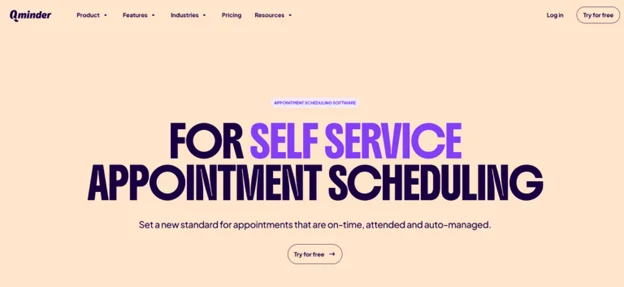
Qminder is a powerful appointment scheduling and queue management platform designed for clinics, government offices, and other high-traffic service environments. It helps teams move beyond manual booking processes by offering structured scheduling, automated reminders, and real-time visitor flow management. Qminder’s Smart appointment scheduling tools allow patients and customers to book appointments online, view live availability, and receive confirmations and reminders that reduce no-shows.
What makes Qminder stand out is its ability to combine scheduled appointments with walk-in management. With options like self-check-in kiosks, remote sign-in, and instant staff notifications, teams can keep reception areas organized while maintaining a steady service flow. The platform also integrates with CRMs and internal systems, making it easier to manage data across locations.
Key Features:
• Online booking with real-time availability
• SMS and email reminders to reduce missed appointments
• Self-check-in kiosks and remote sign-in options
• Custom workflows for different services and priority cases
• Multi-location scheduling and centralized monitoring
• Analytics on peak hours, visitor flow, and team performance
• CRM and system integrations
• Secure, privacy-compliant data handling
Pros:
• Clean and easy interface for staff and visitors
• Strong automation reduces front-desk workload
• Detailed insights to improve scheduling efficiency
• Flexible enough for healthcare and public service use
Cons:
• May be more robust than needed for very small teams
• Advanced features can take time to fully configure
Pricing: Free 14-day trial available. Paid plans start at $789 per month, with custom pricing for larger organizations.
2. Noterro
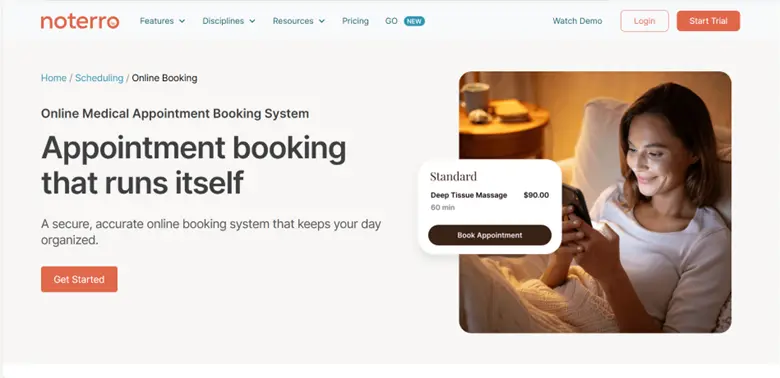
Noterro is an appointment scheduling platform designed specifically for healthcare professionals who need more than a simple calendar tool. It combines booking, charting, billing, and documentation into one streamlined system, helping clinics and mobile practitioners manage their entire workflow in one place. For providers looking for online medical appointment booking like Noterro, the platform delivers a structured and reliable way to manage patient scheduling alongside clinical operations.
It works well for both single-location clinics and growing multi-location practices. With Noterro GO, practitioners can manage appointments on the move, sync calendars in real time, and create location-based booking zones for mobile care. This flexibility makes it easier to stay organized while delivering timely, structured patient care.
Key Features:
• Branded online booking pages for patient self-scheduling
• Custom intake forms to simplify onboarding
• Automated SMS and email reminders to reduce no-shows
• Mobile-first tools with calendar sync and geo-based booking zones
• AI-assisted charting for faster documentation
• Integrations with Square, QuickBooks, and Xero
Pros:
• Ideal for both in-clinic and mobile healthcare providers
• Combines scheduling, charting, and billing in one system
Cons:
• Some advanced features may require onboarding time
Pricing: Starts at $30 per month with a 14-day free trial.
3. Square Appointments
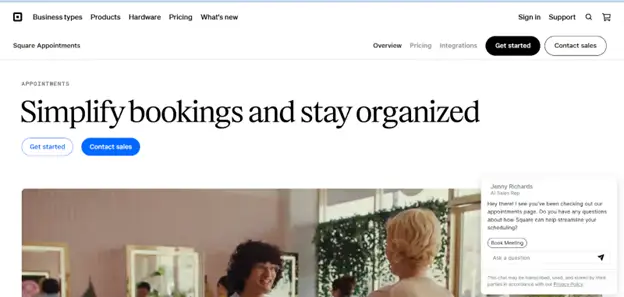
Square Appointments is a practical scheduling solution for service providers that also need built-in payment processing. It works particularly well for public sector offices, municipal departments, and service-based businesses that handle bookings and payments in the same workflow. By combining appointments with point-of-sale tools, it reduces the need for separate systems.
The platform is mobile-friendly, making it easy for staff to manage bookings, accept payments, and check schedules from anywhere. With automated reminders, calendar syncing, and support for both online and walk-in appointments, Square helps keep daily operations organized and efficient.
Key Features:
• Built-in POS to accept payments during or after appointments
• Mobile-first interface for easy access
• Google Calendar sync for staff scheduling
• Online booking and walk-in appointment support
• Commission tracking and staff management tools
Pros:
• Clean, intuitive interface
• Combines scheduling and payment processing in one system
Cons:
• Only integrates with Google Calendar
• Square is the only supported payment processor
Pricing: Free for one location. Paid plans start at $29 per month per location for additional features.
4. Setmore
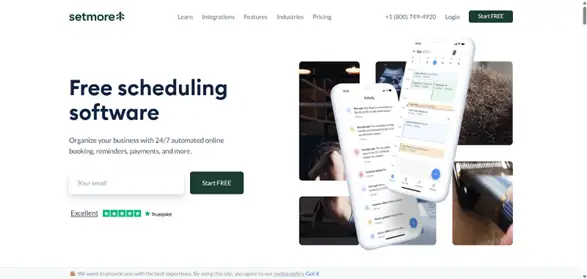
Setmore is a solid option for small public offices, startups, and service teams that need an affordable and straightforward scheduling tool. Its generous free plan makes it especially appealing, offering unlimited appointments and support for up to four users. For organizations just beginning to offer online booking, this removes much of the upfront cost barrier.
Teams can create a branded booking page, sync calendars, and connect with other tools through Zapier. Setmore also integrates with popular payment processors, allowing customers to book and pay in one simple flow. While it may not offer advanced workflow automation, it covers essential scheduling needs in a clean, easy-to-use interface.
Key Features:
• Free plan with unlimited appointments and up to four users
• Customizable booking pages with branding options
• Website and social media integrations
• Payment support via Stripe, Square, and PayPal
Pros:
• Fast setup and user-friendly dashboard
• Strong integrations with widely used tools
Cons:
• Limited advanced scheduling features
• One-way calendar sync on the free plan
Pricing: Free for up to four users. Paid plans start at $5 per month.
5. Goldie

Goldie is one of the standout appointment scheduling applications for wellness and beauty professionals. The app is mainly built for barbers, nail technicians, and spas. The purpose of the app is to help individuals and small teams manage bookings, send reminders, reduce no-shows, accept payments, and create online booking pages. All of that ultimately leads to keeping the client details more organized.
The app doesn’t complicate things, as even less tech-savvy beauticians can figure out the ins and outs of the solution. Client management becomes much easier to handle. Professionals stay organized and have fewer administrative chores to worry about.
Key features:
- Online appointment scheduling
- Branded booking pages
- Appointment confirmations and reminders
- Client management and appointment history
- Reports and business insights
Pros:
- Easy to use
- A free starter plan
- Great all-in-one solution
Cons:
- Suited for beauty and wellness industries
- Limited marketing automation
- For solo pros and smaller teams
Pricing: Three plans available. Free, Pro for 29.99€/mo or 299.99€/yr, and Pro Plus for 59.99€/mo or 599.99€/yr
6. DaySchedule
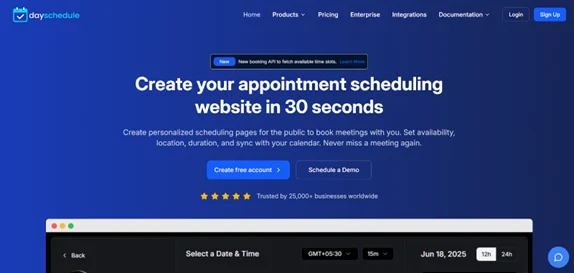
DaySchedule is a flexible online scheduling platform built for small to mid-sized businesses across healthcare, finance, wellness, and other service industries. It offers a centralized dashboard where teams can manage bookings, assign roles, and oversee multiple services without confusion. This makes it a practical option for growing businesses that need more structure than a basic calendar tool.
The platform includes branded booking pages, support for group appointments, and custom forms to collect client information in advance. It also integrates with payment systems and video conferencing tools, helping businesses manage virtual and in-person appointments seamlessly. Real-time analytics provide useful insights into booking trends and team performance.
Key Features:
• Branded booking pages with custom fields and forms
• Group scheduling and role-based permissions
• Payment and video conferencing integrations
• Analytics dashboard for tracking performance
Pros:
• Good fit for expanding, multi-industry teams
• Simple integrations and actionable reporting
Cons:
• Free plan includes booking limits
• Limited interface customization options
Pricing: Free plan available. Paid plans start at $8 per month.
7. Waitlist Me
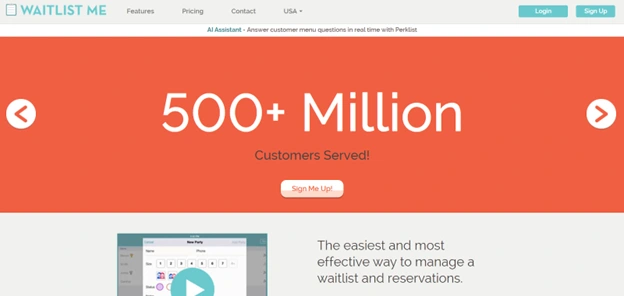
Waitlist Me is a simple and efficient scheduling and waitlist tool designed for small service businesses and public-facing offices. It works especially well for local agencies, DMV branches, and community service centers that need an easy way to manage walk-ins alongside reservations. The platform focuses on keeping waiting areas organized without requiring complex setup or training.
Staff can monitor queues in real time, send SMS notifications, and provide accurate wait time estimates. Visitors can even join the queue remotely through a guest widget, reducing crowding at reception. Its clean interface and fast onboarding make it ideal for teams that prefer straightforward functionality over advanced automation.
Key Features:
• Guest widget for remote queue joining and wait time viewing
• Real-time wait tracking with SMS updates
• Quick customer check-in with estimated wait times
• Basic reporting on queue trends and performance
Pros:
• Extremely easy to set up and operate
• Visual floor plan support for layout management
Cons:
• Limited integrations with POS and CRM systems
• Advanced and multi-location features are restricted to higher plans
Pricing: Starts at $27.99 per month for the Essentials plan, with higher tiers up to $79.99 per month.
8. NextMe
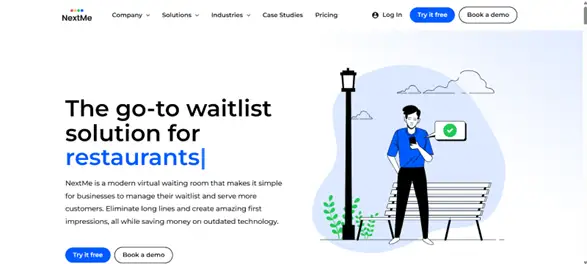
NextMe is a modern waitlist management platform designed to reduce lobby congestion while keeping visitors informed. Its standout feature is the Virtual Waiting Room, a branded digital space where guests can check their position in line, view updates, and even see promotions or announcements. This makes it a strong option for restaurants, salons, clinics, and public offices that want to improve queue flow while maintaining engagement.
With real-time tracking and self-check-in options, businesses can manage visitor flow more efficiently. SMS notifications keep guests updated without requiring them to stay physically nearby, helping create a smoother and less crowded experience.
Key Features:
• Branded Virtual Waiting Room with announcements and promotions
• Real-time waitlist tracking and self-check-in
• SMS alerts to reduce lobby congestion
• Integrations with POS and loyalty systems
• Performance dashboards for traffic insights
Pros:
• Free plan includes essential features and 100 monthly SMS
• Helps turn wait time into a customer engagement opportunity
Cons:
• Advanced Virtual Waiting Room features require a paid plan
• Basic plan does not support multiple locations
Pricing: Free plan available. Paid plans start at $49.99 per month with annual billing.
Conclusion
The right appointment scheduling tool can transform how your organization handles bookings, walk-ins, and customer communication. Whether you need advanced queue management, built-in payments, healthcare-focused features, or a simple waitlist system, there is a solution that fits your workflow and budget.
By automating reminders, reducing manual coordination, and improving visibility into daily operations, these tools help cut no-shows and streamline service delivery. Choose the platform that aligns with your team size, industry needs, and long-term growth plans.
FAQs
What is an appointment scheduling tool?
An appointment scheduling tool is software that allows businesses or healthcare providers to let customers book appointments online, manage calendars, and organize availability in one centralized system.
Why use an appointment scheduling tool for bookings?
It reduces manual work, prevents double bookings, improves organization, and gives customers an easy way to book without calling or emailing.
Do these tools integrate with other business systems?
Yes, many platforms integrate with CRMs, payment processors, calendar apps, and billing systems to keep data synced and workflows smooth.
Can appointment scheduling tools send reminders automatically?
Most modern tools send automated SMS or email reminders to reduce no-shows and keep customers informed about upcoming appointments.

