


Best Logo Design Apps for Creative Results
Find the best logo design apps for creative results, from beginner tools to pro software, with AI features and flexible design options.

Starting a business is exciting, but building your brand can feel difficult. One of the first things you need is a logo. Your logo helps people recognize your business and remember it.
The good news is that you don’t need to be a designer or hire one to be able to create a proper design. Today, the market is full of different tools that can help you make a logo and build your brand in just a few minutes.
The Value of Logo Generator Tools for Brand Owners
For entrepreneurs, time and budget are often limited. Logo and branding tools make it easier to create a professional look without hiring a designer.
These tools help you:
- Create a logo quickly
- Keep your branding consistent
- Build things like business cards, social media posts, and websites
- Launch your business faster
In this article, we’ll look at three popular options: Design.com, BrandCrowd, and 99designs. Each tool works a bit differently, so let’s break them down.
3 Best Logo Makers Reviewed
In this article, we’ll take a look at three popular options: Design.com, BrandCrowd, and 99designs. Each tool works a bit differently, so let’s break them down and understand which one might be the better option for you.
1. Design.com
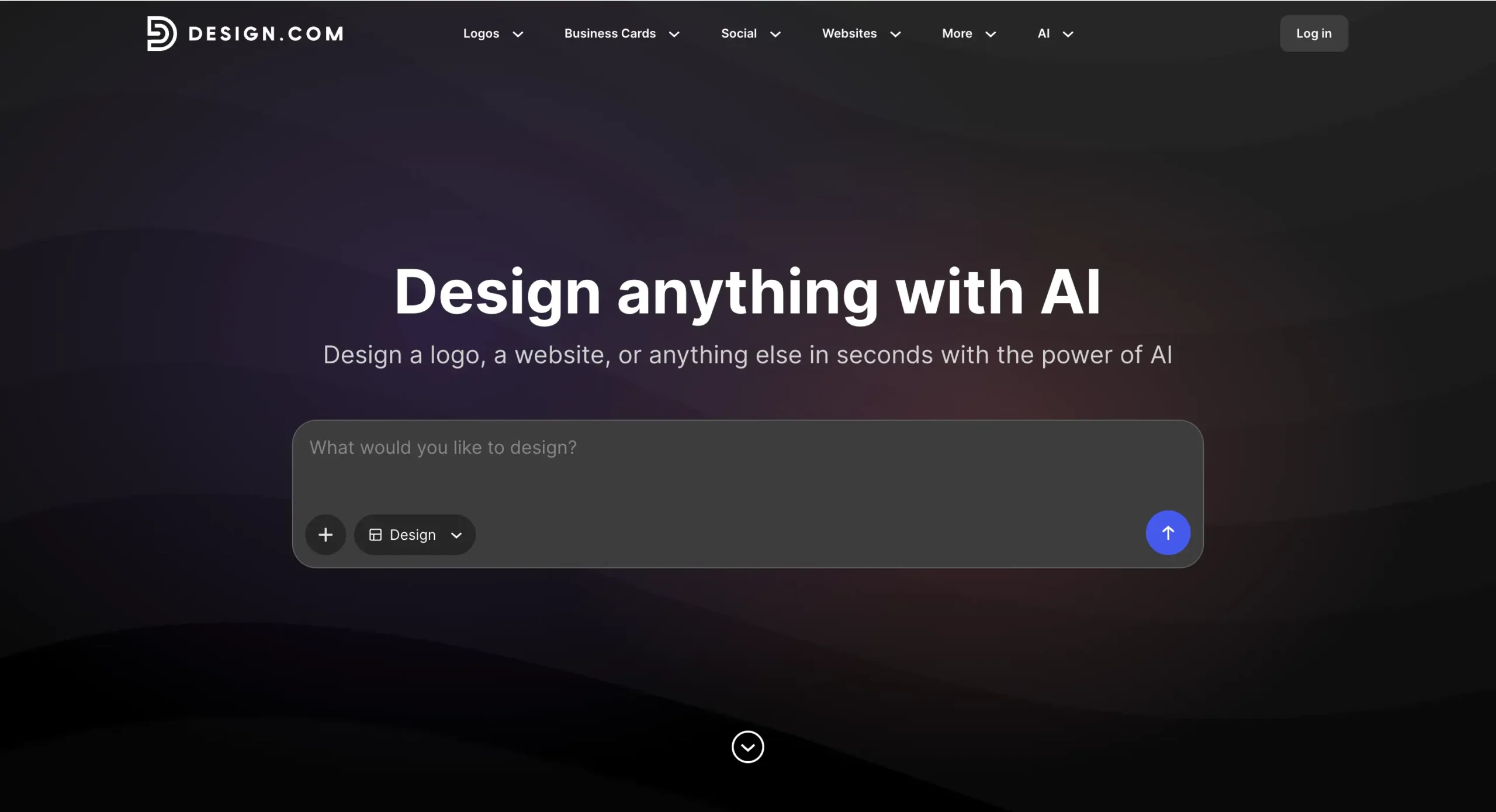
design.com is an all-in-one platform that helps you create logos and other branding materials quickly using AI.
Pros
- AI logo generator
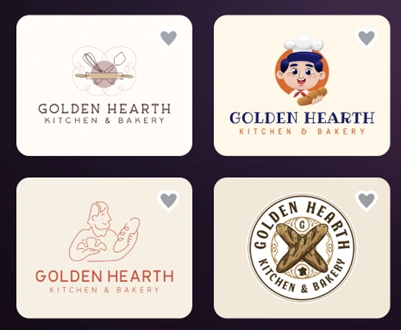
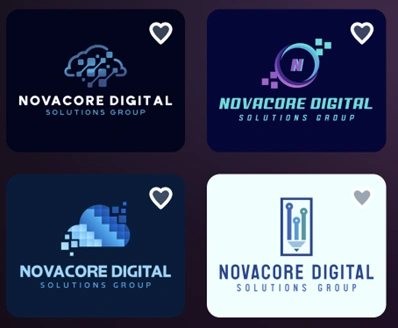
Just enter your business name, and the tool will create thousands of logo ideas in seconds. Here’s how that works:
- Large design library
It has over 400,000+ logo templates and more than 1 million total designs, so you’ll have plenty of options.
- Full branding tools
You can also create 50+ design materials, including business cards, websites, social media posts, and more — all in one place.
- Easy editing
You can quickly change colors, fonts, and layouts, even without design experience, through built-in AI tools.
- Ready-to-use files
You can download your logo in various formats for web and print, with full commercial use rights.
What Makes It Stand Out
- Speed: Very fast – you can get a logo in under a minute
- Quantity: Generates thousands of options instantly
- Quality: Logos are high-quality and often need little editing. The results are 100% free to publish, even within the free tier.
- Includes many extra tools for full branding
Best For
Design.com is best for:
- Entrepreneurs who want something fast and simple
- Small businesses building a full brand
- Beginners with no design skills
2. BrandCrowd
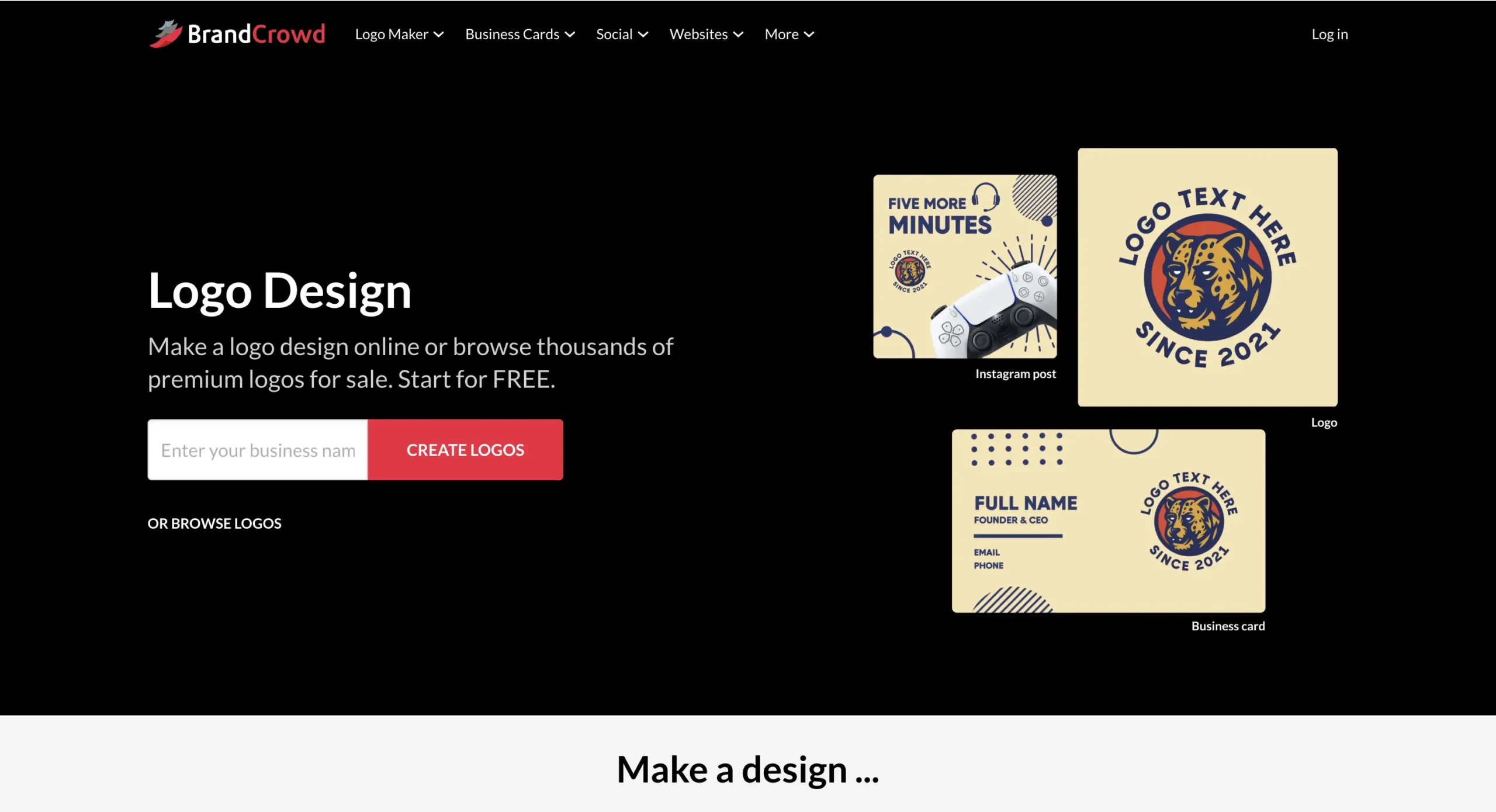
BrandCrowd is another popular logo maker with many templates and branding tools.
Pros
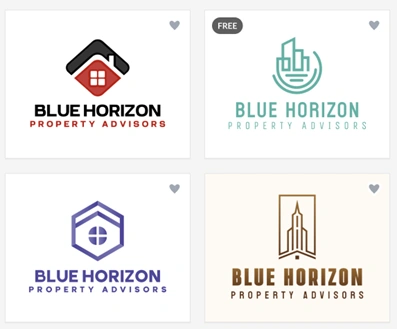
- AI logo generator
You can create logo ideas quickly by entering your business name. Below are some examples:
- Large template library
It offers over 380,000+ logo templates and more than 1 million designs.
- Branding tools
You can create business cards, social media posts, and other branded content.
- Simple editor
It’s easy to adjust fonts, colors, and layouts.
- Download options
Logos come in different file formats and can be used commercially.
What Makes It Stand Out
- Speed: Instant — no additional steps required
- Quality: High-quality and unique logos that can be used across diverse platforms
- Quantity: Large variety of logo styles generated with a single click
- Trustworthiness: 4.8-star rating on TrustPilot by over 9K+ users
Best For
BrandCrowd is best for:
- Users who want more design variety
- Entrepreneurs exploring different logo ideas
- Small businesses building their brand
3. 99designs
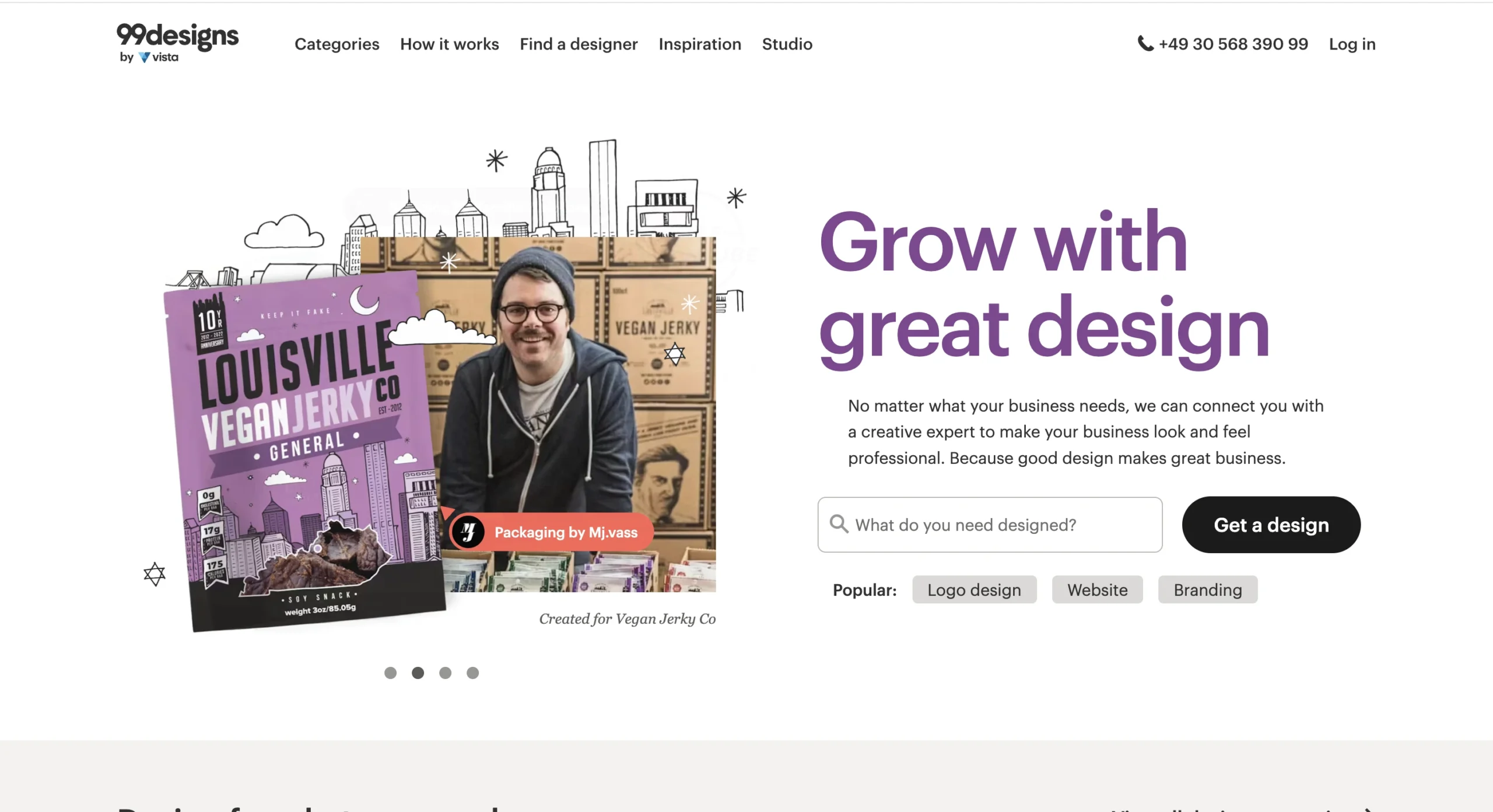
99designs works differently from the other two tools. Instead of AI, it connects you with real designers.
Pros
- Design contests
You can ask multiple designers to create logo ideas for you.
- Hire designers directly
You can also work one-on-one with a designer.
- Custom designs
All logos are made by people, so they can be more unique.
- Feedback and revisions
You can ask for changes and give feedback during the process.
Why Choose 99designs
- Speed: Takes more time than Design.com
- Quality: Solid — some submissions may feel repetitive, and not all entries are usable or high-quality. Extra filtration might be needed to find the best concepts
- Quantity: Dozens to hundreds of design concepts per project
Limitations
- Usually more expensive
- Requires more effort to manage
Best For
99designs is best for:
- Businesses that want a custom logo
- Companies with a bigger budget
- Entrepreneurs who want a more hands-on process
Comparison Table
Here’s a simple comparison:
| Feature | Design.com | BrandCrowd | 99designs |
| Logo Creation | AI-generated + human touch | AI-generated + expert touch | Human designers |
| Speed | Instant | Very fast | Slower |
| Templates | 400K+ logos | 380K+ logos | Not listed publicly |
| Branding Tools | Yes (many tools) | Yes (many tools) | Limited |
| Ease of Use | Very easy | Easy | Moderate |
| Customization | High | High | High |
| Pricing | Free + paid | Free + paid | Higher cost |
Key Differences
The main difference is how the logos are created.
Design.com and BrandCrowd use the combination of AI and expert touch, so they are fast and easy. You can create a logo in minutes.
99designs uses real designers, so the process takes longer but gives you unique results.
Another difference is the tools. Design.com and BrandCrowd offer full branding platforms, while 99designs focuses mainly on design services.
Conclusion
Choosing the right tool depends on what you need.
If you want something quick and easy, Design.com is a great choice. It helps you create a logo and build your brand in one place.
If you want more design options and flexibility, BrandCrowd is also a strong option.
If you prefer a custom logo made by a designer, 99designs is a better fit.
All three tools can help you build your brand, but the final choice depends on how fast, simple, or custom you want the process to be.

