


Professional-Headshot.ai: Studio-Quality Headshots Without the Selection Work
Create studio-quality professional headshots with AI, saving time and eliminating the hassle of selecting the perfect photo.

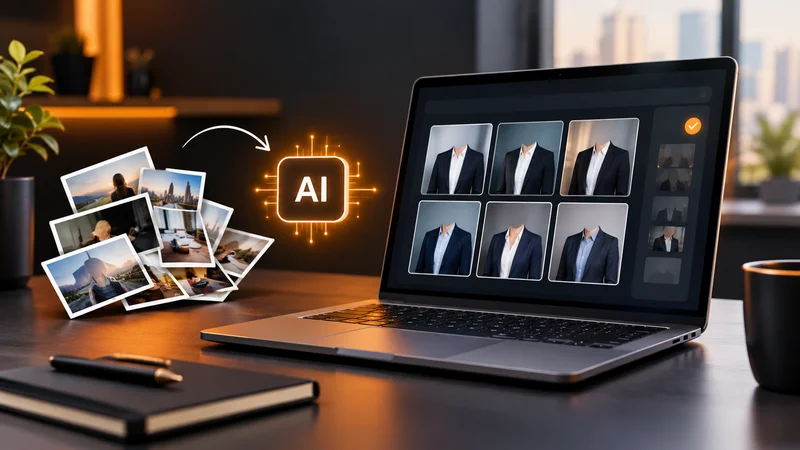
A report launch can involve a landing page, an email announcement, an author biography, and several social posts. The copy and layouts may be ready while one small asset is still unresolved: a current portrait of the person behind the ideas. A casual selfie shows the right face, but its clothing, background, and lighting may feel out of place beside the finished campaign.
Professional-Headshot.ai creates AI headshots for marketing content from a photo or selfie you already have. Its agent arranges the complete studio look. In Pro and Ultimate, it also checks the generated candidates against your originals and selects one recommended headshot plus two alternatives for each scene. You can begin with the recommendation; exploring the alternatives is optional.
For marketers, that combines visual production with a decision that often follows it: which portrait should become the starting point for the campaign? You can get started for free, without signing up.
A Recommended Headshot Gives the Campaign a Starting Point
A professional portrait involves more than generating an attractive image. Someone has to assess the face, the presentation, and the small details before deciding which result to use. When a tool delivers a large gallery, that selection becomes another production task.
Within the Pro and Ultimate workflow, the agent checks the generated candidates against your source photos before selecting the recommended portrait. The two alternatives offer a different expression or composition if you want one, but they are not a shortlist you must finish sorting. The recommended image is already the system’s first choice.
Your decision can therefore focus on the actual introduction: does this portrait represent you in the way you want to appear beside the report? You begin with a checked, styled image, then request an adjustment if needed. This combination of studio preparation and completed selection is the main reason to use the service when you need a professional portrait for marketing.
Let the Agent Coordinate the Complete Studio Look
An outfit, a backdrop, and flattering light need to work together. Replacing the background alone may leave a casual photo looking disconnected from a polished business page. Professional-Headshot.ai handles the clothing, setting, lighting, and overall styling as a complete portrait.
One clear selfie is enough to begin. You can supply more reference photos, but an existing studio photograph is unnecessary. Preferences are optional too. If you know the direction, describe it in ordinary language: “An approachable portrait for my industry report, with a simple background and business-casual clothing.” If you leave the field blank, the agent chooses the look.
That gives a founder or subject expert a way to prepare a professional introduction without scheduling a shoot, arranging a wardrobe, or learning photography terminology. The starting material can be a photo already on their phone.
Keep the Expert Recognizable in the New Presentation
When a portrait accompanies someone’s ideas, the reader should still recognize that person. Professional-Headshot.ai uses the original photos to guide the result, including glasses, facial hair, hairstyle, age, skin tone, and natural facial details. The studio treatment changes how the person is presented while using their actual appearance as the reference.
The paid checking process looks for visible issues such as distorted glasses, unnatural eyes or teeth, and changes to facial features. Affected candidates are repaired or replaced where possible; those that continue to fail the checks are left out.
Polished lighting can make an image look convincing at first glance, even when a glasses frame or a facial detail is wrong. Checking those details before selection helps keep the recommendation tied to the reference photos. Automated checks cannot guarantee perfect likeness, so the final judgment about personal resemblance remains with the person pictured.
Adjust a Selected Portrait as the Design Develops
Marketing layouts can change after the first version of a portrait is ready. A darker background may look appropriate in isolation but feel heavy alongside a light report cover. With an active Pro or Ultimate plan, you can select the portrait and describe a focused change: “Use a soft neutral background and keep my glasses and natural expression.”
The edit continues to use your original photos as references. Earlier versions remain available for comparison during the storage period, so you can assess the new treatment alongside the previous one. Instructions guide the change; they do not guarantee that every other detail stays identical.
This distinction matters when feedback arrives during production. If the portrait works and only the background needs attention, edit that selected image. If the next campaign calls for a different overall presentation, create a new scene with another combination of clothing, background, and lighting. Pro and Ultimate support unlimited scenes while the plan is active, so a new direction does not require arranging another studio session.
An Example of Preparing a Founder Portrait for a Report Launch
Imagine a B2B founder publishing a practical guide based on their work. The launch needs a portrait for the author’s introduction, a landing page, and social graphics featuring quotations. Their current photo is clear and recent, but the casual setting does not match the guide’s professional presentation.
In this illustrative example, the founder uploads that photo and optionally describes a warm, professional look. The agent handles the studio styling. Using the full paid workflow, it checks the candidates and selects a recommendation with two optional alternatives. The founder starts with the recommended portrait and confirms that it represents them appropriately.
The marketing designer can then use that selected image across the launch materials. Each placement has a different purpose:
- The author biography connects the guide to the person who wrote it, using a clear, professionally lit portrait beside their experience.
- A quotation graphic pairs an excerpt with the same recognizable face and coordinated styling.
- The landing page introduces that author again, maintaining the visual presentation readers encountered in the announcement.
If the background needs adjusting to suit those materials, the founder can request a change to the selected result. The designer still handles page layouts and image placement in their usual tools. Professional-Headshot.ai supplies and refines the portrait; campaign production continues around that asset.
Start Using Professional-Headshot.ai for Free
A clear photo gives the agent a starting point for the clothing, lighting, and setting of a professional portrait. Add a preference if you have one, or leave the visual decisions to the service.
Use Professional-Headshot.ai for free. Start with a clear selfie and let the agent arrange your professional look.

